
Why You Should Avoid Overcrowded Learning Videos
Ever watched a learning video so packed with animation that it left you confused instead of informed? Often, in trying to avoid feeling stiff or boring, production teams end up adding…

Focusing Too Much on Aesthetics Can Actually Break Focus
Ever watched a learning video so packed with animation that it left you more confused than informed? Sometimes, to avoid feeling stiff or boring, production teams pile extra elements into a single video — dramatic background music, pop-up animations in every corner of the screen, and extra illustrations that have nothing directly to do with the core material.
And that's before we even get to working with a Subject Matter Expert (SME) who feels every single detail is essential and has to make it onto the slide. The end result: a screen crammed with text and images, leaving learners' eyes unsure where to focus.
An approach built purely around busy visuals tends to backfire. Learners' attention gets split, and the goals of the company's upskilling program end up falling short. This is exactly why it matters to keep every multimedia element working in harmony throughout the learning experience.
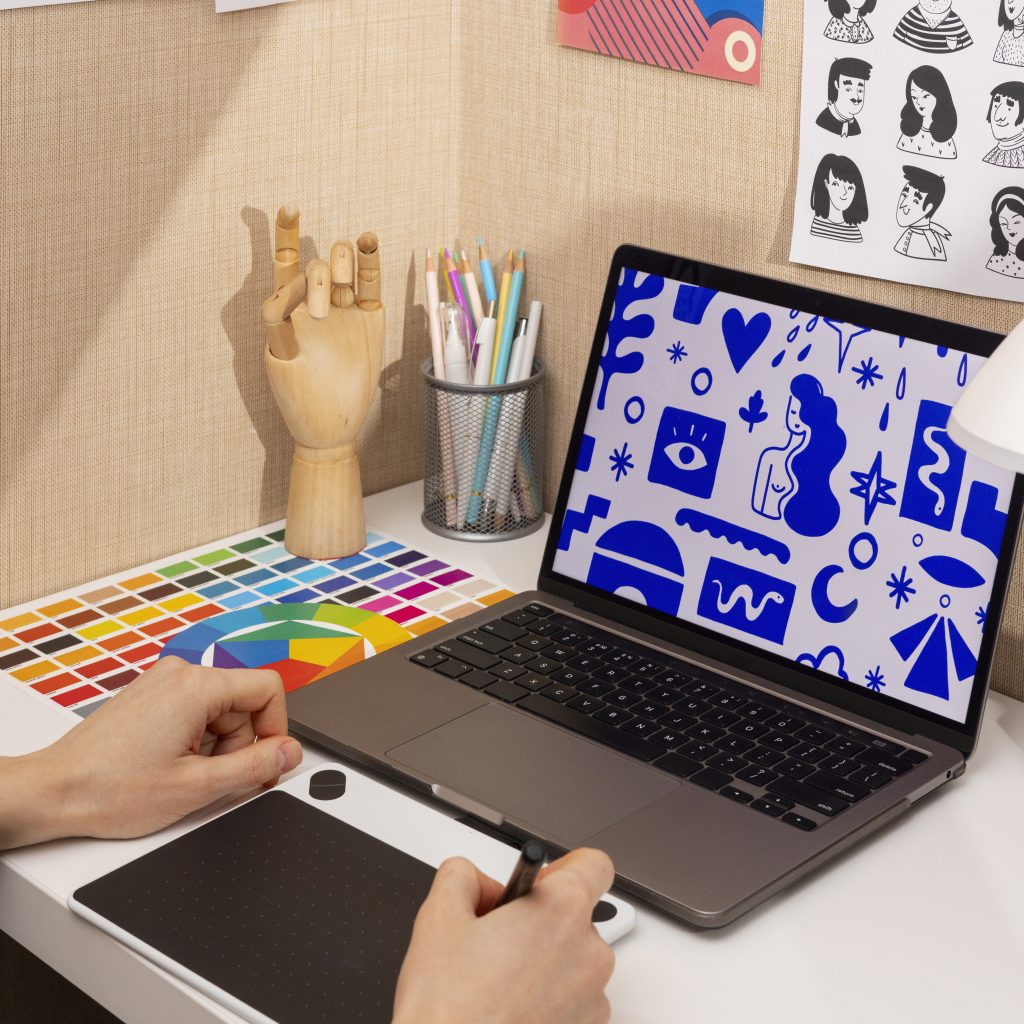
In the world of instructional design, there's a strong guideline we can lean on to keep a video's elements aligned: the Coherence Principle. This principle is part of the Cognitive Theory of Multimedia Learning, developed by educational psychologist Richard E. Mayer.
The Coherence Principle holds that people learn far better when irrelevant elements are stripped out of the learning material — in short, less is more. Why does this matter? The human brain has a limited working memory capacity for processing new information. When a learning video is crammed with content that's interesting but not relevant, the brain ends up overloaded.

How Do You Put This Principle Into Practice?
Theory, of course, has to translate into practice. At Monkey Melody, we know that producing animated learning videos means balancing visual elements with learning content so learners can absorb what's being taught more easily.
To prevent cognitive overload in learners, we start applying the Coherence Principle as early as the scripting and storyboarding stages. Our storyboard team acts as a kind of visual filter. They break down the script and decide which visual elements are essential enough to animate.
If a graphic only serves as decoration without adding to contextual understanding, it gets cut. The same goes for on-screen text placement. We make sure on-screen text highlights only the key points that support the voice-over narration, rather than duplicating everything the narrator says word for word. Through this rigorous curation early in the process, the learning objectives and the final video stay tightly aligned.
Here are three steps you can apply right away:
1. Trim Unnecessary Text and Information Don't just dump an entire module's worth of paragraphs into the video. Avoid cramming in too much detailed information that bloats the running time. Learners can always turn to the text module for more detail. Show a few key words on screen and let the narrator deliver the full explanation out loud.
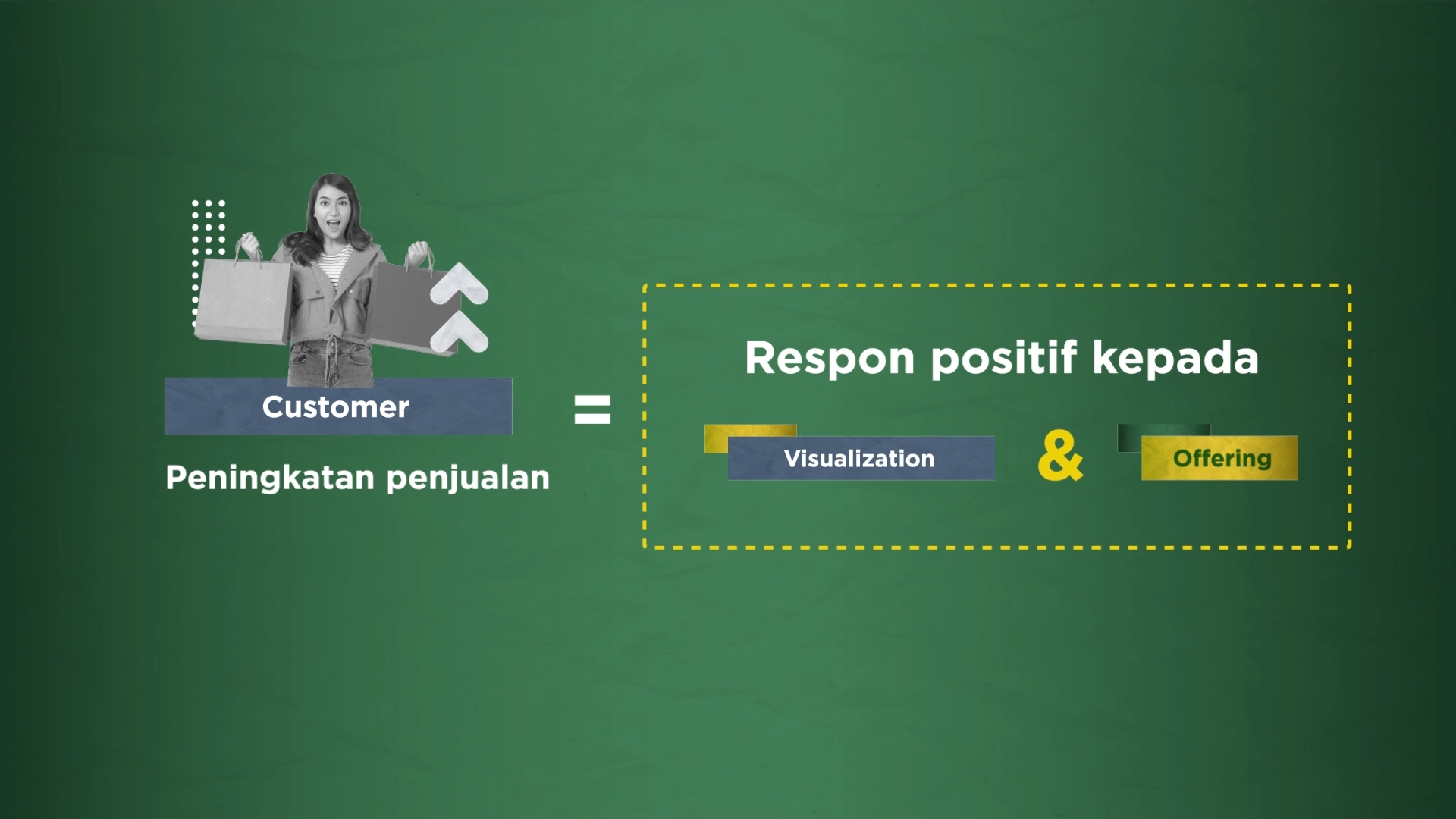
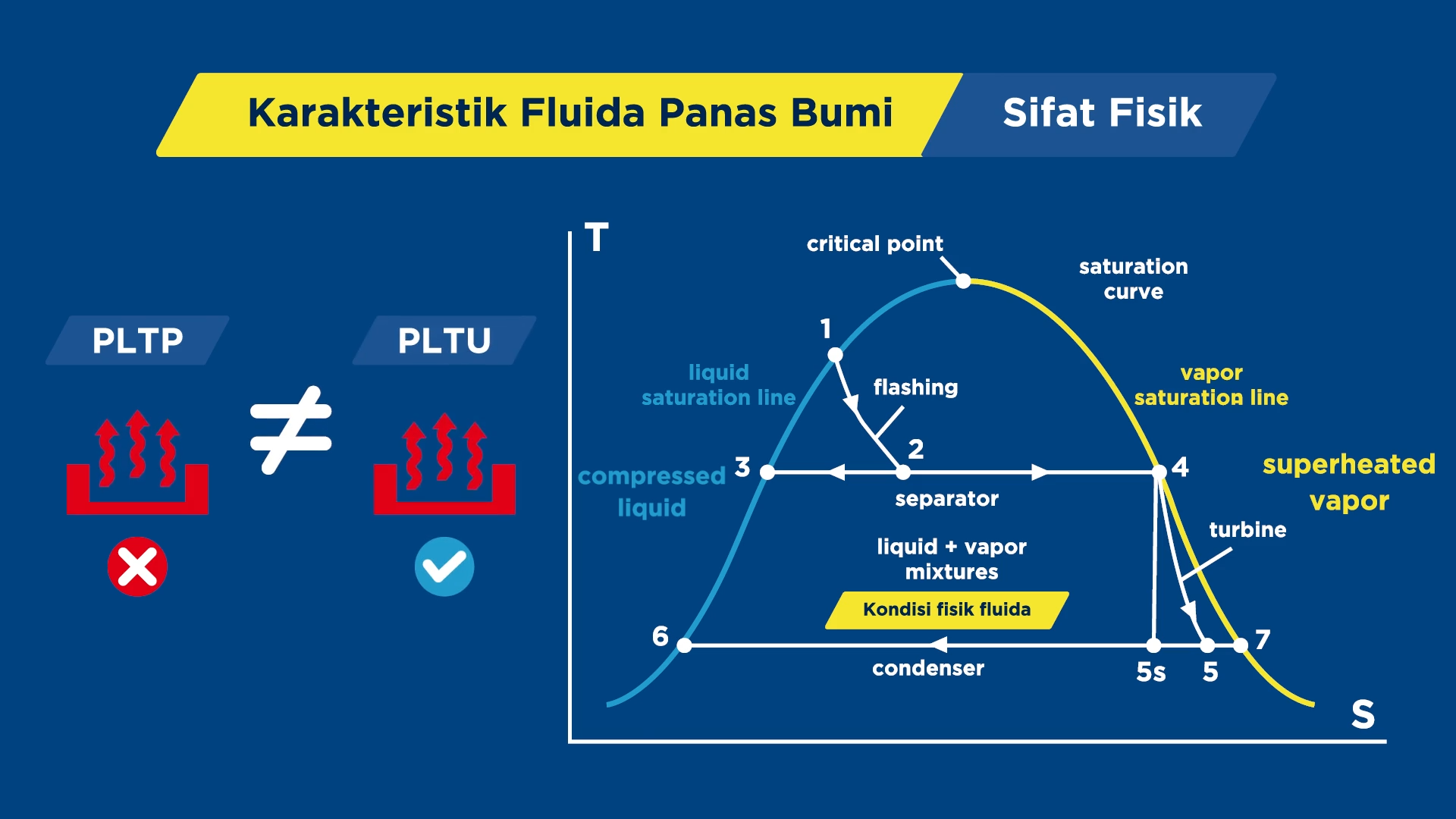
2. Use Visual Elements With a Clear Purpose Every image, icon, or illustration on screen should have a clear reason for being there. If you're explaining a physics process, for example, show the essential elements — relevant illustrations and diagrams. Cut decorative graphics that don't add anything, unless they're minimal enough that they won't pull learners' focus away.
3. Be Selective About Audio and Background Music Background music can sometimes help set the mood. But in complex technical material or compliance explanations that demand high concentration, music often becomes a distraction instead. Cut excessive sound effects, and make sure the narrator's voice stays clear and dominant. If you do use music, keep the volume low enough that it never competes with the voice-over.
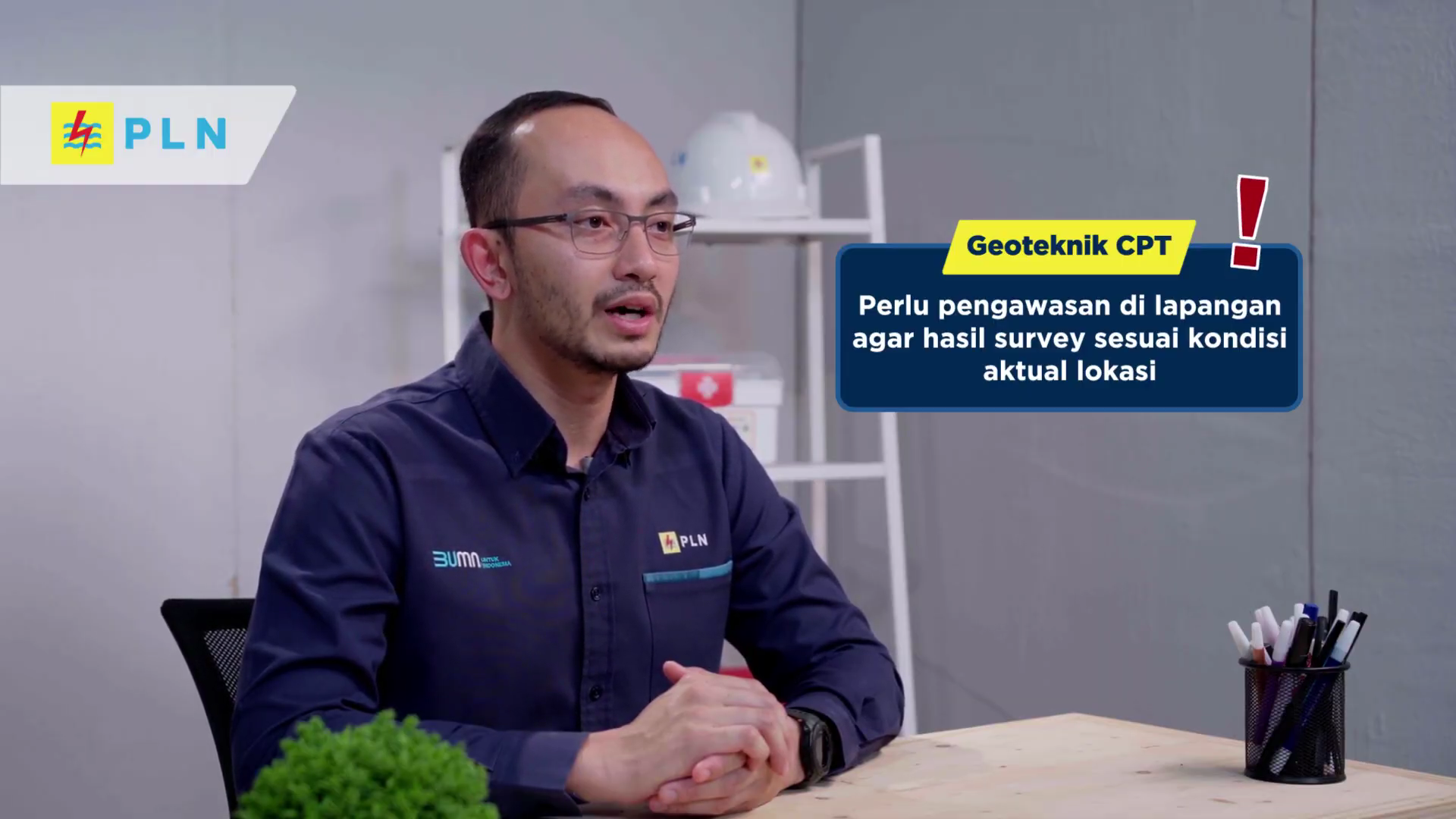
Designing a learning video around the Coherence Principle won't make it any less visually appealing. If anything, with visual assets arranged cleanly and coherently, the result can look even better — and it directly improves learning effectiveness.
Having produced over 1,000 learning multimedia projects, Monkey Melody understands that every company faces its own distinct challenges and goals. That's why we offer a tailored approach to make sure every video we produce achieves the intended training outcomes. Using the latest technology and a creative approach, we're ready to help your company meet the training challenges of the future.
More insights
Research on Interactive Video Among Biology Students
The use of video as a self-paced e-learning medium has become standard practice in corporate training programs and higher education.
The Science Behind Why Microlearning Works
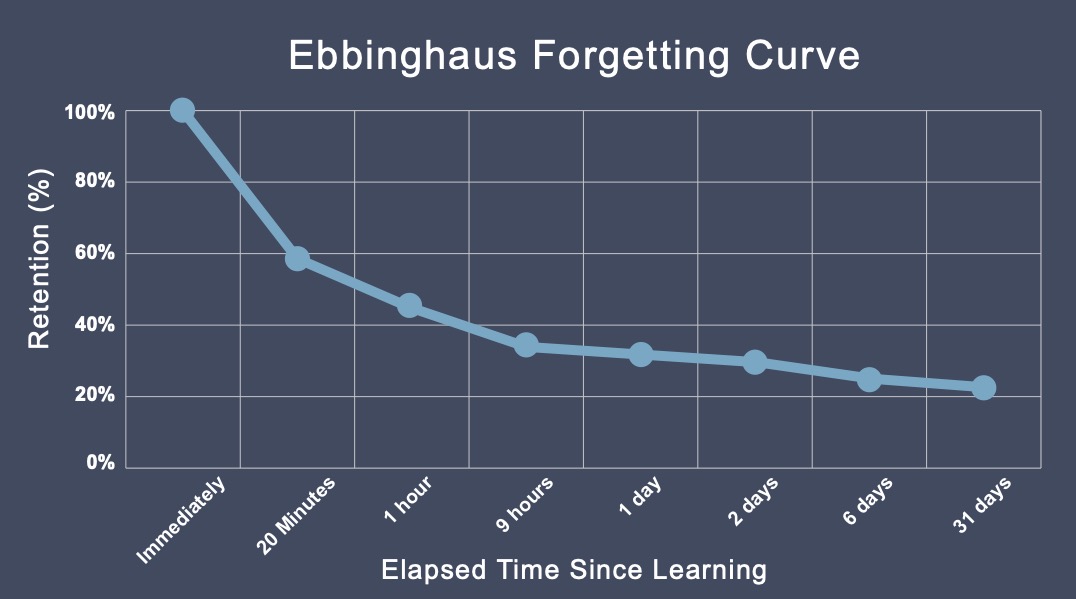
A single long training day often fails because it fights how the brain actually works — see how microlearning, the Forgetting Curve, and spaced repetition make material actually stick.

How AI Video Search Is Transforming Corporate L&D
Thousands of hours of training video pile up in your company's LMS, hard to search once a program ends — see how AI Video Search is changing the way L&D teams find specific moments buried in that dark data.
Want the short version, applied to your company?
Let's talk about what this means for you.
Get in touch