
 Bahasa Indonesia
Why Does the Pre-Production Phase Determine a Learning Video's Success?
Producing a good learning video also requires good planning during the pre-production phase.

Shifting the Pre-Production Paradigm
In corporate digital training content development, there's usually a target to hit, which means some phases can end up getting skipped. One common example: jumping straight into filming once the concept is set, without working out a shotlist — the list of scenes that need to be captured. But when a scene gets missed, it ends up adding to production costs and pushing the release schedule back.
There are plenty of cases where a fully edited training video has to be taken apart and reworked, simply because management felt the explanation flow wasn't quite right, or the visuals didn't match real conditions on the ground.
Avoiding that starts with a solid pre-production phase. Because learning videos are closely tied to pedagogical elements, the aesthetics on screen need to be designed around the learning objective — whether that's helping new employees understand basic theory, reducing errors in the field, or something else entirely.
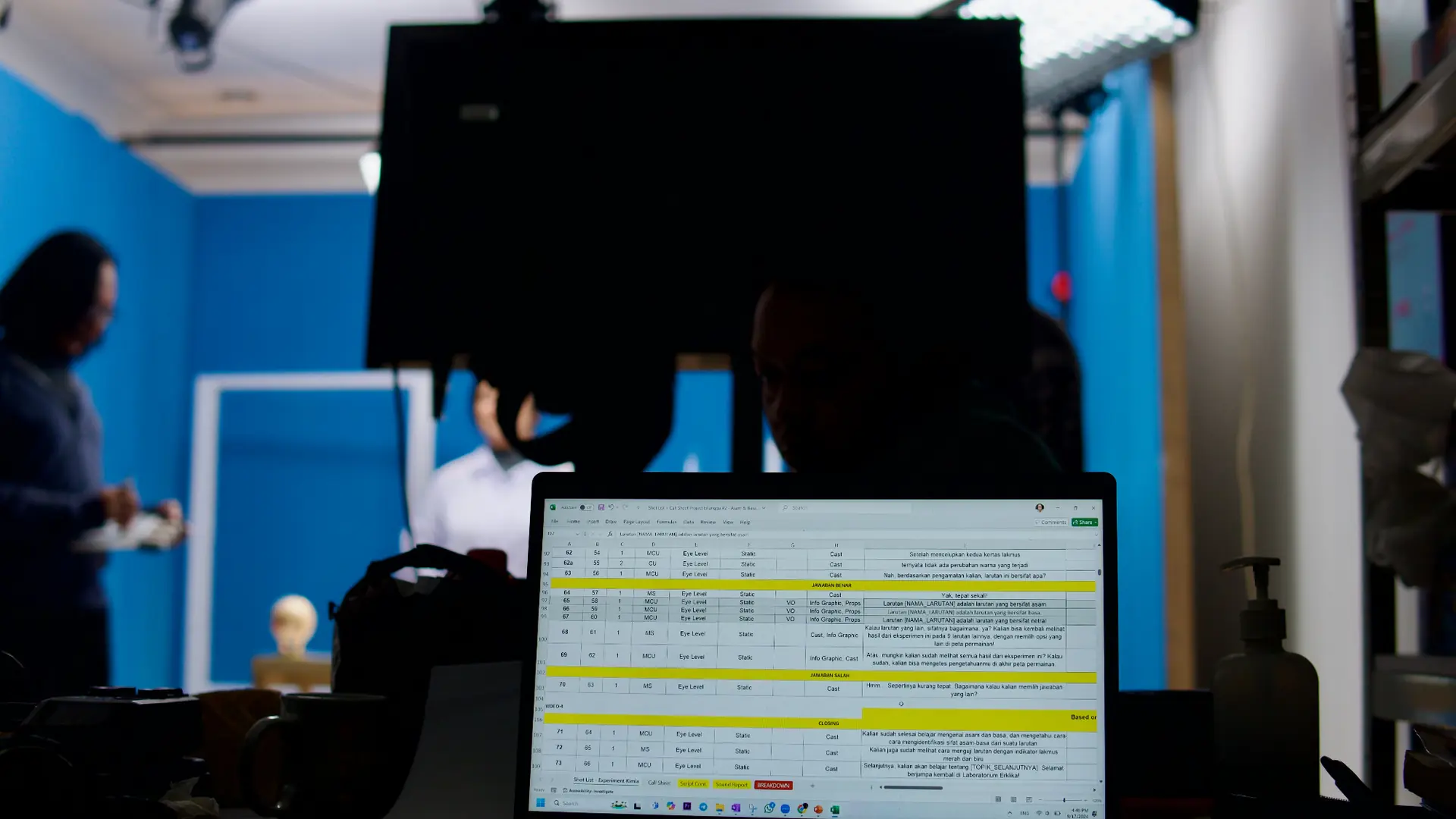
Many corporate e-learning projects fail to deliver Return on Investment (ROI) because the team treats pre-production as nothing more than logistics — booking a studio, scheduling cameras, or casting talent.
A solid pre-production process requires alignment across three key levels:
-
Aligning Business Targets with Instructional Goals: Using an approach like Cathy Moore's Action Mapping, the pre-production phase breaks down what employees actually need to do out in the field. For instance, employees may need the ability to spot hazards at work. That keeps the resulting content tightly focused.
-
Analyzing the Learner Profile: Office-based employees have different duration and language-style needs than field operations staff or frontline workers accessing material on a smartphone. Mapping out learners' working conditions and technical literacy during pre-production ensures the video format chosen is actually user-friendly.
-
Standardizing Technical and LMS Compliance: Pre-production also sets technical boundaries from the start — whether the video will stand alone, get integrated into a SCORM/xAPI-based interactive module, or have quizzes inserted partway through.
4 Core Pillars of Learning Video Pre-Production
For an e-learning content investment to pay off, there are four crucial pre-production stages that need to be carried out in order and with discipline:
1. Concepting & Instructional Chunking
The first step starts well before the script is written, when the team processes the raw material, usually a stack of presentation slides or similar documents. One of the biggest mistakes in training video production is trying to cram the entire contents of that document into one long video.
When employees are forced to absorb too much new information at once with no structural pause, their working memory gets overloaded, which limits how much of the material actually sticks.
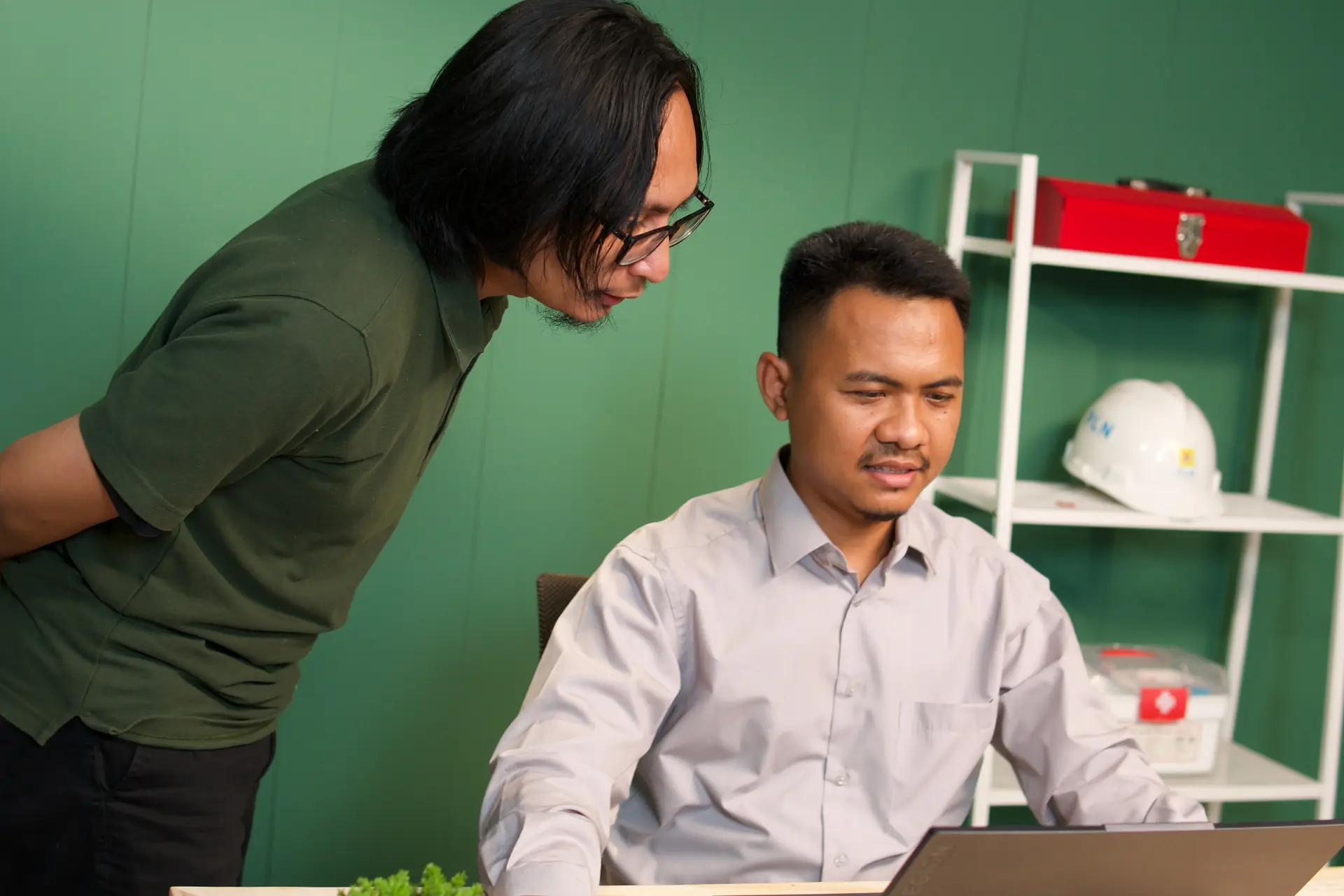
At the concepting stage, the Instructional Designer works with a Subject Matter Expert (SME) to break down the material and apply an instructional chunking strategy — splitting a large topic into a series of micro-modules, each focused on one specific objective per video.
2. Dual-Coding-Based Script Writing
Once the concept framework and chunking structure are agreed on, the process moves to script writing. The most common mistake at this stage is writing a video script the way you'd write a blog article, an academic paper, or a speech. The writer focuses only on stringing together sentences for the narrator to read, then hands the visuals off entirely to an illustrator or video editor at the very end.
The result: the visuals on screen often end up as passive decoration that doesn't actually aid understanding, or worse, an exact on-screen copy of whatever the narrator is saying.
In an effective learning multimedia production standard, script writing needs to apply Dual-Coding Theory, developed by Allan Paivio, and avoid the redundancy effect.
The human brain processes information through two separate but complementary channels: an auditory channel for spoken words, and a visual channel for images, diagrams, or object movement. If the screen shows a block of text that exactly matches what the narrator is saying, the two channels end up competing with each other, since learners read at a different pace than the narrator speaks.
That's why a corporate learning video script needs to be designed from the start in an Audio-Visual Script format that keeps both channels in sync.
-
Audio Column: Narration lines are written specifically to be heard once. Convoluted compound sentences get cut down into short, direct active sentences. Internal jargon and abbreviations are handled so they come out sounding natural when read aloud by the voice-over talent. The scriptwriter also adds intonation markers and 1–2 second breathing pauses after explaining a complex concept, giving learners' brains time to process the information before moving to the next point.
-
Visual Column: Sitting directly alongside each audio line, the visual column describes exactly what's happening on screen at that moment. Instead of a vague direction like "Show an illustration of employees working," a good script gives a functional instruction: "Show a 3-step flow diagram; highlight step 2 in yellow as the narrator mentions the verification process, while steps 1 and 3 are dimmed (30% opacity)." Writing out these visual cues clearly in the script makes sure designers and animators know exactly which part is the learning focus.
-
Duration and Word Density Calculation: Script writing is also where video duration gets locked in accurately. In Indonesian, a comfortable learning narration pace runs between 110 and 130 words per minute. By counting the words in each script segment, the L&D team can already tell whether a video will run 4 minutes or 10 minutes, even before voice recording begins.
3. Storyboarding as a Prototype for the Learning Experience
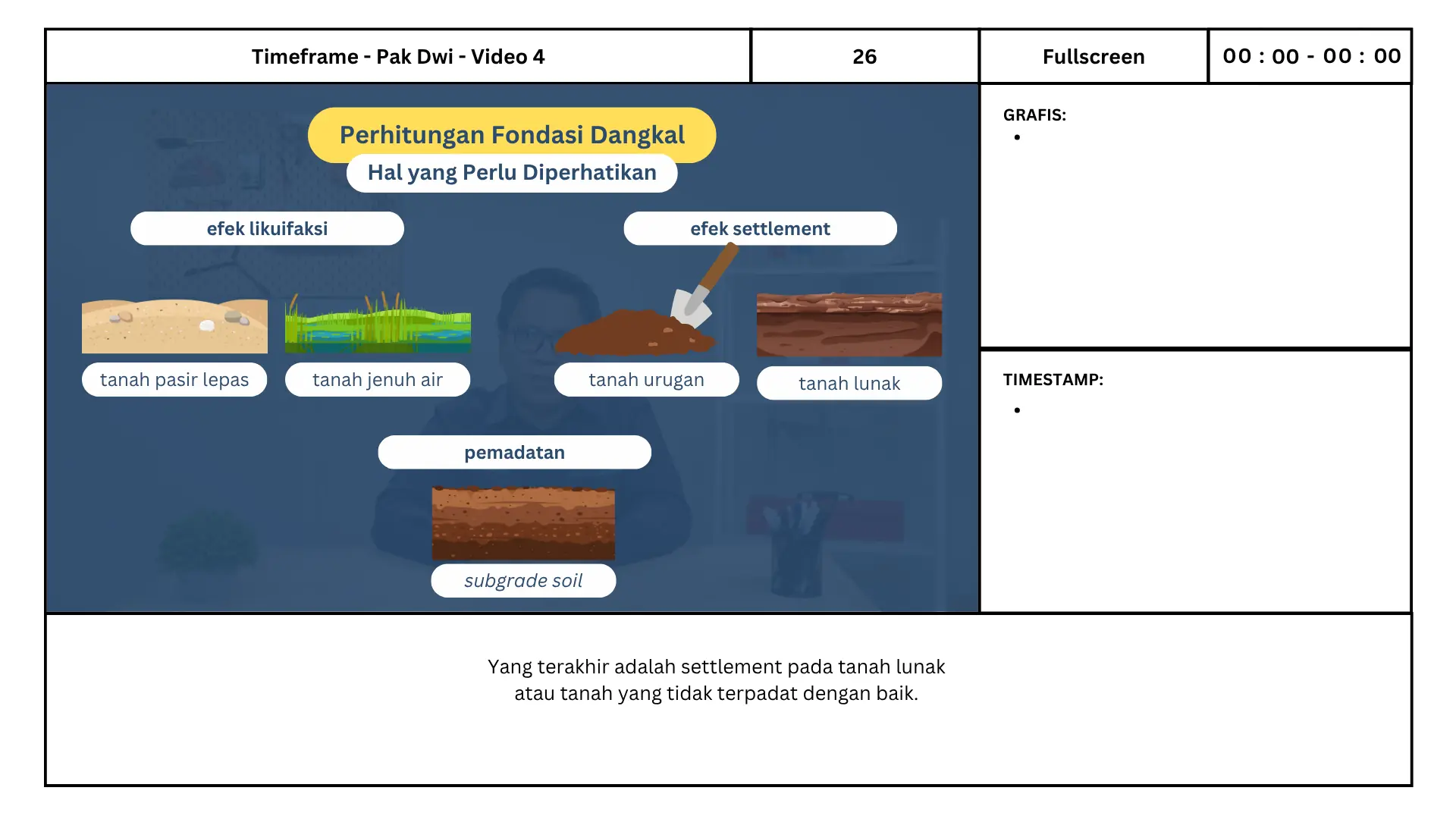
Once the two-column script is finalized, the next stage is translating that text into a storyboard. If the script is the structural plan, the storyboard is the visual prototype that shows the layout of every scene, the proportions of objects on screen, transitions between material, and even animation movement cues.
For L&D teams and company management, the storyboard works as a shared validation tool. It's far easier for a Subject Matter Expert (SME) or a division head to correct a workflow diagram's accuracy on a storyboard sheet than to fix it after the video has already been fully animated. Everyone ends up with the same visual picture of the final product well before production even starts.
4. Format Selection, Casting, and Technical Breakdown
Not every piece of training material suits the same format. In the final pre-production stage, the team maps out the most effective execution format based on the material's characteristics:
- Live-Action & Roleplay: Highly effective for soft skills training, leadership, customer service, or work-ethics compliance that calls for human expression and empathy.
- 2D/3D Motion Graphics: The best choice for explaining abstract business processes, system workflows, financial concepts, or internal machine mechanisms that are hard to capture directly on camera.
- Interactive Screencast: Ideal for software onboarding training or a company's internal ERP system.
This is also the stage where talent selection (actors as well as voice-over artists), the illustration style, and the detailed list of technical prop requirements all get locked in, so production can run without a hitch.
Designing solid pre-production takes close collaboration between instructional design expertise and structured creative execution. Having handled more than 1,000 learning multimedia projects, Monkey Melody understands that every company has its own unique material, work culture, and competency targets.
We help L&D and HR teams design learning videos end to end — from breaking down material with an SME, to writing a cognitively-friendly script, building a storyboard, and executing production to a high standard.
Ready to turn your company's training materials into an impactful, efficient visual learning experience? Contact the Monkey Melody team via WhatsApp at +62 812-1954-8155 or email info@monkeymelody.com to discuss your project's needs.
More insights
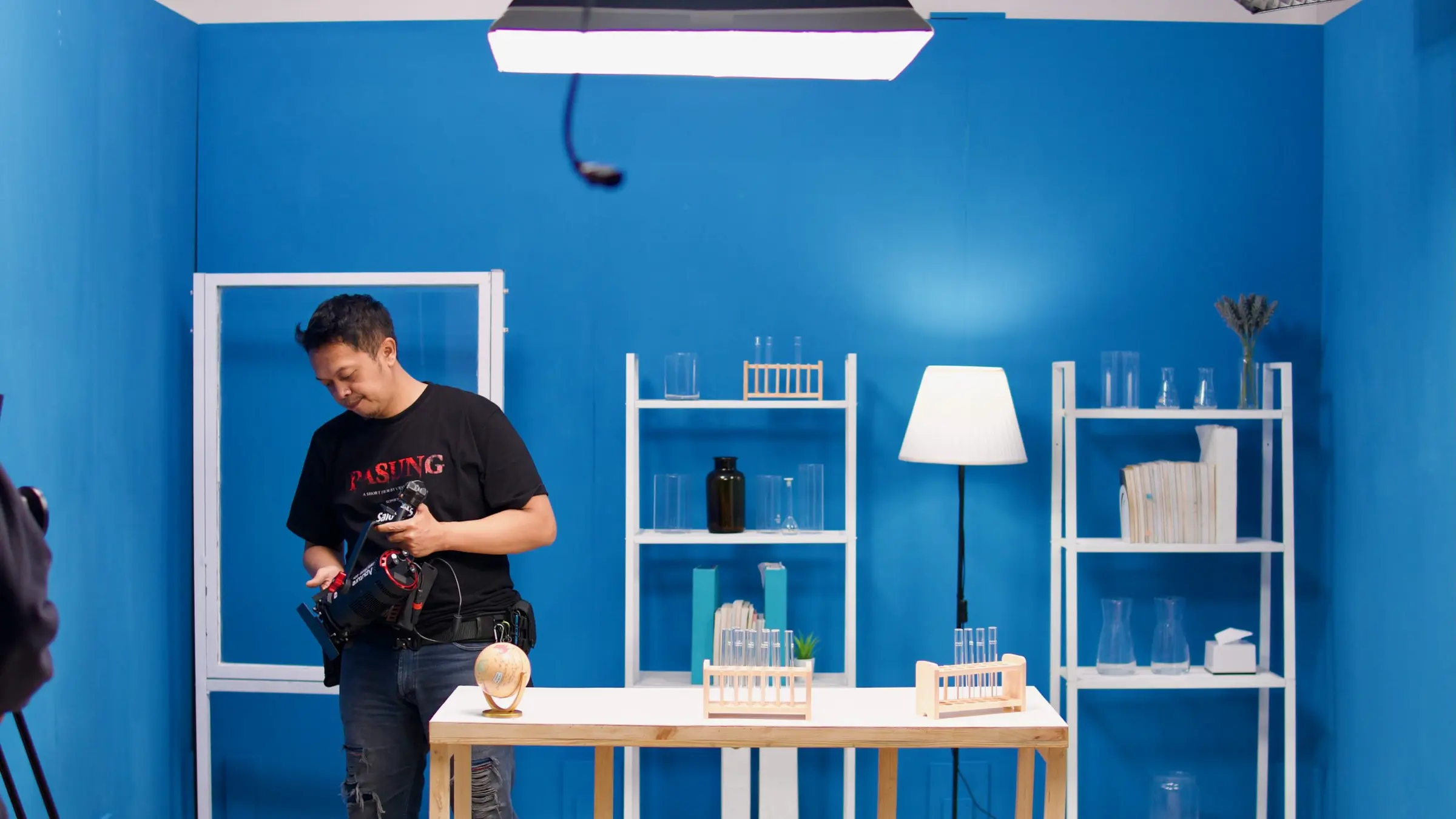
Managing Technical Issues and Talent in Learning Video Production
Demand for learning videos has skyrocketed in recent years. Remember the pandemic, when nearly every training process had to be conducted remotely or online…

The Right Voice Can Shape a Learning Video's Effectiveness
Imagine two versions of the same learning video with identical content. The first uses a flat, robotic voice. The second uses a natural human voice with a rhythm that flows like real conversation…
Behind Effective Learning Video Production: Keeping the Shoot Flow Smooth
A shoot that runs long, crew members waiting on each other, or talent losing focus from too many pauses. These are problems that can crop up during any video production, including…
Want the short version, applied to your company?
Let's talk about what this means for you.
Get in touch