
Tracing Employee Interaction in Interactive Learning Videos
Interactive learning videos can be built to track employee behavior and interaction data, giving L&D teams a way to measure how effective their training programs actually are.

The Data Limits of Conventional Learning Videos
Video has become one of the main formats for employee training because it's easy to distribute and can be watched any time. Once a video is uploaded to the LMS, the Learning & Development (L&D) team can usually track how many employees played it, how long they watched, and who's completed it.
That data is useful for tracking whether employees are following the learning process as the curriculum intends, but it doesn't explain how effective the videos actually are. A workplace safety procedure module, for instance, might show hundreds of employees as having completed it. The L&D team knows the module played through to the end, but not which part was confusing or which concept turned out to be hard to grasp.
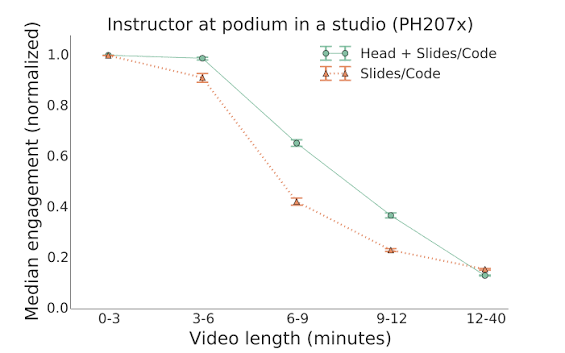
A large-scale study on the edX platform shows just how far behavioral data can go toward informing production decisions. Guo, Kim, and Rubin (2014) analyzed roughly 6.9 million video-watching sessions across four MOOC courses, measuring engagement by how long participants watched and whether they attempted the problem set after the video.
One of their findings was that shorter videos were far more engaging, leading them to recommend breaking videos into segments under six minutes. Even though the study was done in a MOOC context, the finding still holds up for corporate training.
Interactive video is one option for generating data that a conventional learning video simply can't produce. Interactive elements like quizzes and hotspot points inside a game map, for example, can each double as a record of how employees actually respond to the material.
The Interaction Trails Interactive Video Can Record
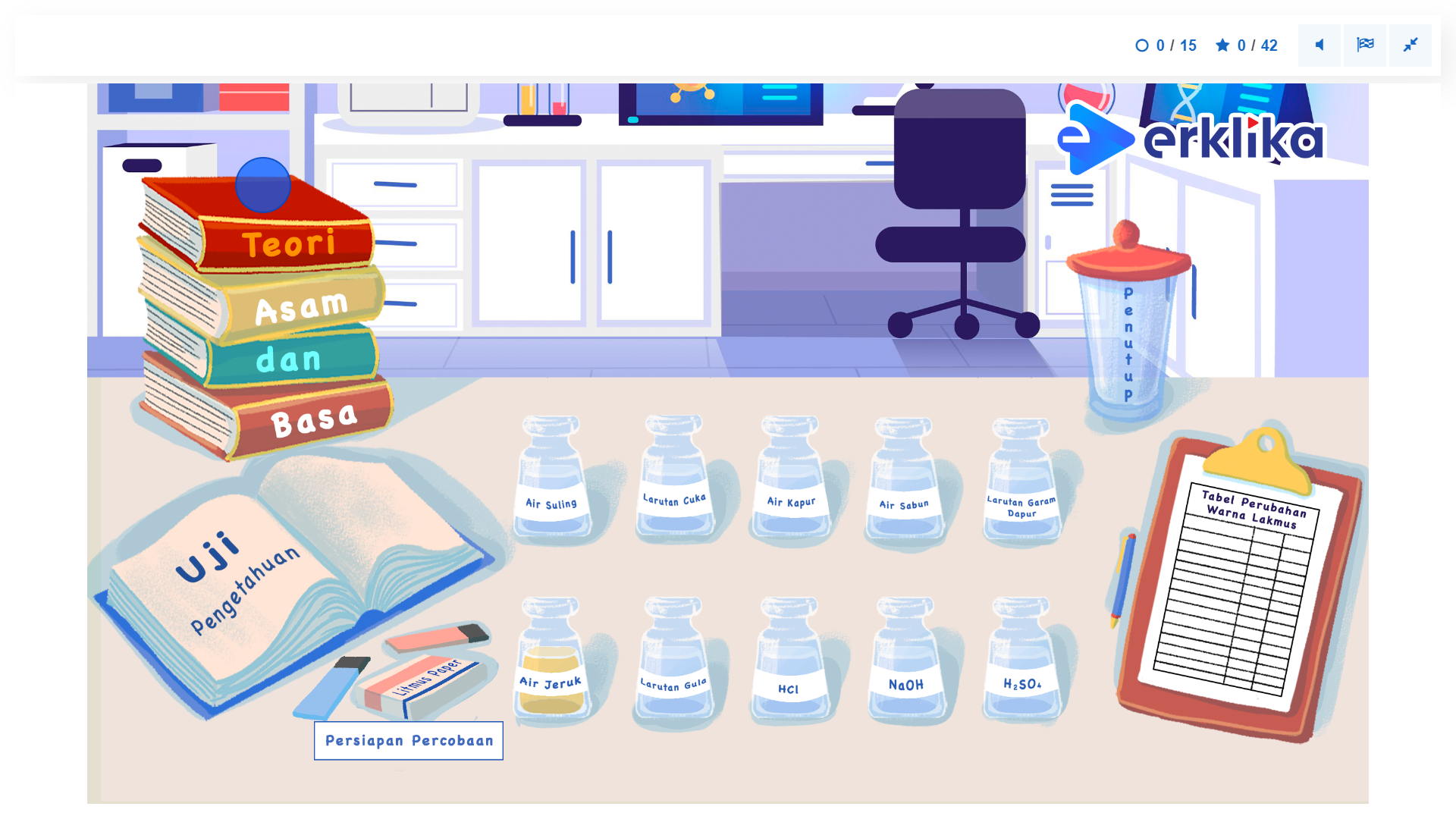
In an interactive video, playback pauses at certain points to ask for a response from the employee, and that response is exactly what becomes the data. A quiz in the middle of a video records which option was picked and whether the answer was right. A branching scenario records which decision path was taken, while a hotspot shows which piece of additional information got opened.
Collected across many employees, these answer patterns reveal which parts of the material have landed and which ones are still causing confusion.
Beyond the content of the answers, the platform can also log duration. An xAPI statement from H5P, for instance, can include how long someone spent on a given piece of content. If one question takes noticeably longer than the others, that can be a sign the material is difficult, or that the question itself isn't clearly worded. That signal still needs confirming, but at least it tells the L&D team which part is worth checking first.
For that data to actually reach the L&D team, the interactive content needs to report its activity back to the learning system. At Monkey Melody, we rely heavily on H5P, an open-source platform for building interactive content. H5P generates xAPI (Experience API) statements, a standardized record of a learner's activity, and most of its content types send an "answered" or "completed" statement along with the score and the answer the user gave. That means a report can end up containing detail as specific as question three being answered with option B and scoring no points.
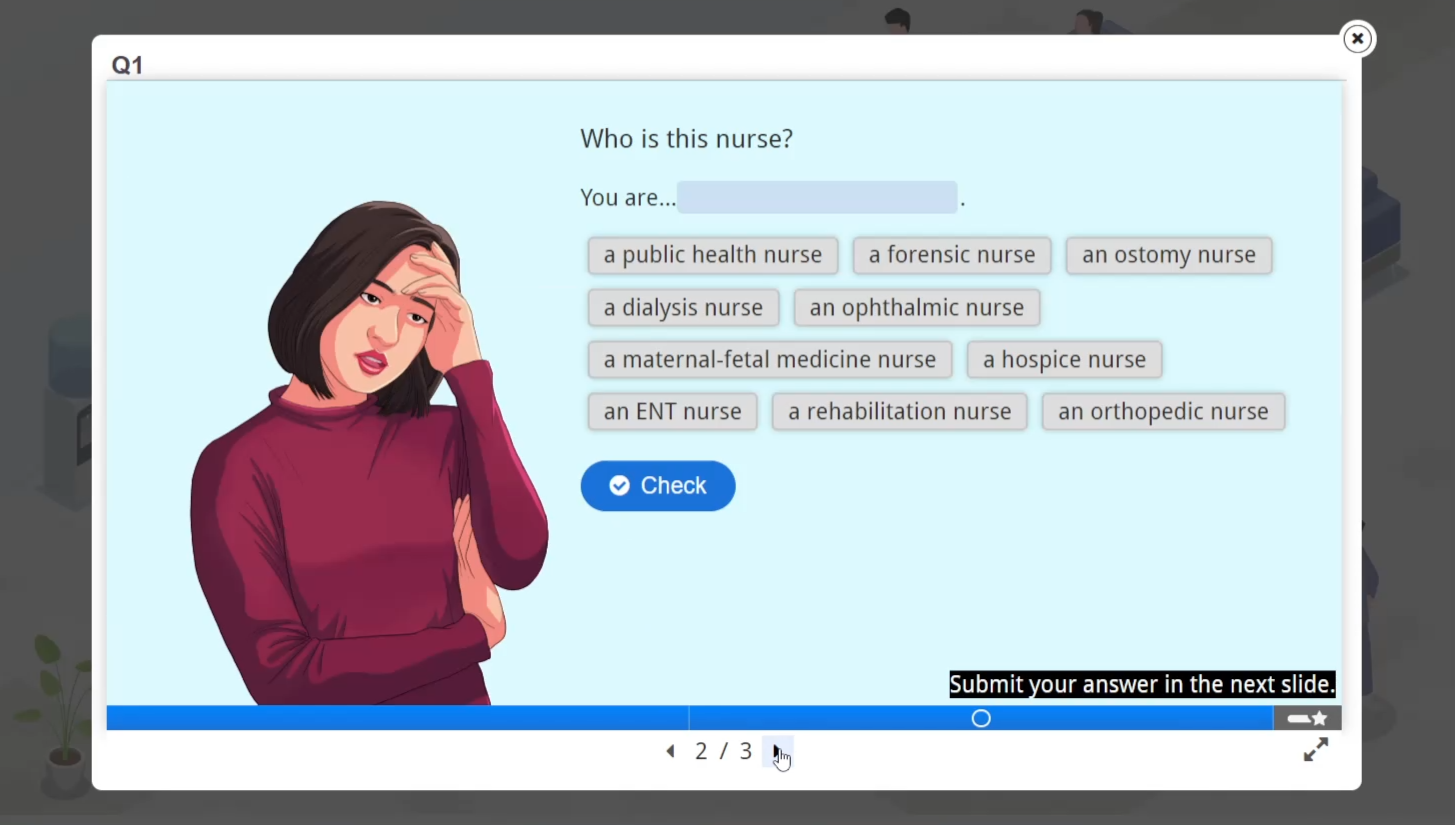
How well an LMS can actually read that data varies. Moodle, for example, provides an attempts report for H5P activities that shows the question, the answer choices, the correct answer, the answer given, and the score. On other LMSs, xAPI records generally need to be sent to a Learning Record Store (LRS) — a database built specifically to store xAPI statements — through a plugin or extra configuration.
SCORM, meanwhile, is still widely used and generally only logs completion status, score, and time spent, so per-question answer detail isn't always available. How granular the data gets depends on the SCORM version and the LMS support the company is running.
That's why reporting capability needs to be confirmed before production starts, not after the video is already finished. What counts as "complete" needs to be agreed on too. For an interactive video, completed status can mean the video played through to the end, every question was answered, or a minimum score was reached, depending on how the content is configured. Without that agreement, completion numbers are hard to compare across modules.
Designing Interaction Points from the Storyboard Stage
Useful data doesn't just show up on its own from piling on interactions. Every interaction point needs to be designed to answer a specific question. Where the video pauses and what kind of response it asks from the employee both get decided back at the script and storyboard stage.
At that same stage, the storyboarder, working with the instructional designer and the Subject Matter Expert (SME), should note down three things for every interaction: the learning objective being tested, the misunderstanding a wrong answer might reveal, and the action the L&D team would take if that pattern shows up.
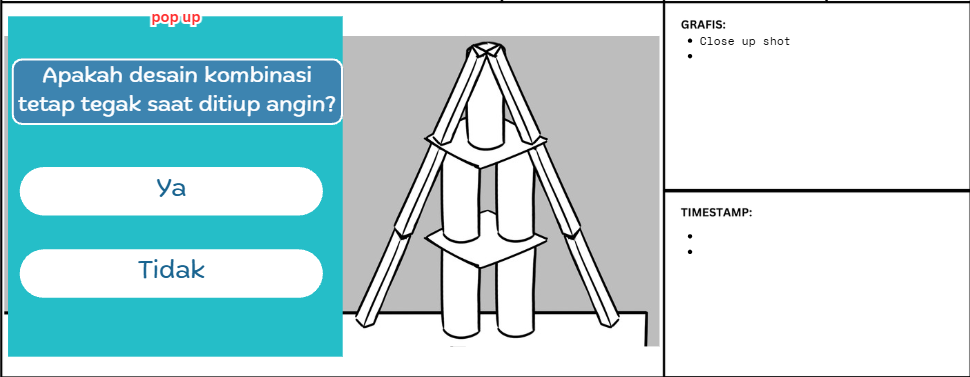
Take an interaction that asks an employee to choose their first step upon discovering an incident. The learning objective is making sure employees prioritize safety before reporting. The misunderstanding it might reveal is a habit of reporting immediately without securing the area first. If that pattern shows up often, the prepared action could be adding a case example to the video, or a short discussion session with the employee's direct supervisor.
Quiz answer patterns also need to be read carefully. In a compliance training video with a short quiz at the end of each sub-topic, most employees might get the same question wrong. The L&D team shouldn't jump straight to concluding that employees weren't paying attention. The explanation leading up to the quiz needs checking first, and so does how clearly the question itself is worded. If both of those hold up, that section is worth reinforcing with an additional example or more detailed feedback.
The same goes for branching scenarios. If a lot of employees pick the risky option at one decision point, that choice can flag a common misunderstanding, meaning the consequence needs to be spelled out more forcefully in the story. For the data to actually mean something, every option needs to make sense within the context of the job. An option that's obviously wrong only produces an answer that says nothing real about what employees understand.
A few limits are worth keeping in mind. First, piling on too many interactions can add to cognitive load and disrupt the flow of learning, so the number of interaction points still needs to match the material's length and complexity. Second, individual-level data concerns real employees, so the company needs to decide upfront who gets to see it and for what purpose. Third, the data only shows answer patterns.
Before full production, a prototype of one or two interactions should be uploaded to the real LMS and tested with a few employees. This step confirms that the report that comes out actually contains the data that was planned for, so fixes can happen while they're still cheap.
In the end, interpretation still comes down to human judgment — the instructional designer, the SME, and the L&D team who understand the actual context of an employee's job. With the right planning, interactive video doesn't just make employees more engaged while they learn; it also gives the L&D team more concrete evidence to keep improving the material over time. An employee's click only becomes learning data once it's read by someone who knows what the training is actually trying to achieve.
Monkey Melody understands that every company faces different challenges and goals.
That's why we offer a tailored approach to ensure every video we create achieves its intended training outcome. Ready to transform your company's training materials into effective learning videos or interactive videos?
Contact Monkey Melody now via WhatsApp at +62 812-1954-8155, email info@monkeymelody.com, or through the link below.
More insights
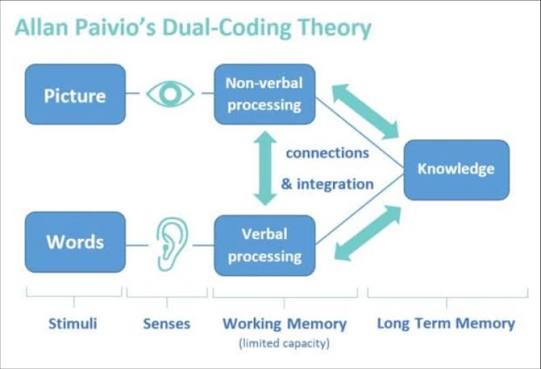
Research on Interactive Video Among Biology Students
The use of video as a self-paced e-learning medium has become standard practice in corporate training programs and higher education.
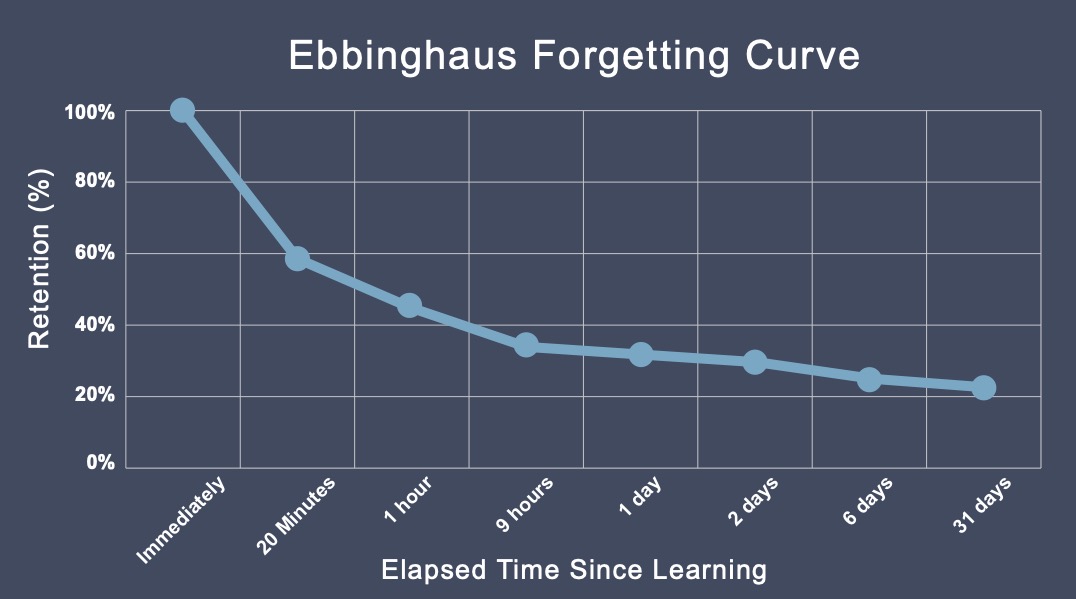
The Science Behind Why Microlearning Works
A single long training day often fails because it fights how the brain actually works — see how microlearning, the Forgetting Curve, and spaced repetition make material actually stick.
How AI Video Search Is Transforming Corporate L&D
Thousands of hours of training video pile up in your company's LMS, hard to search once a program ends — see how AI Video Search is changing the way L&D teams find specific moments buried in that dark data.
Want the short version, applied to your company?
Let's talk about what this means for you.
Get in touch