
 Bahasa Indonesia
Work Situations That Suit a Branching Scenario
Learn which work situations suit a branching scenario and how to design branching learning videos that work for employees.

Training Decisions Through Active Learning
In an increasingly digital era, learning videos have become a widely used format for companies, since employees can access them anytime from any location. Video does have a limitation, though: it's inherently passive. Memorizing and understanding material doesn't guarantee that employees can make effective decisions at work.
A branching scenario is a format that asks learners to choose an action at a specific decision point, then shows the consequences of that choice. Different choices can lead learners down different storylines. Beyond the storyline, branching can also take learners to another point within the same video or unlock a different video that was previously locked.
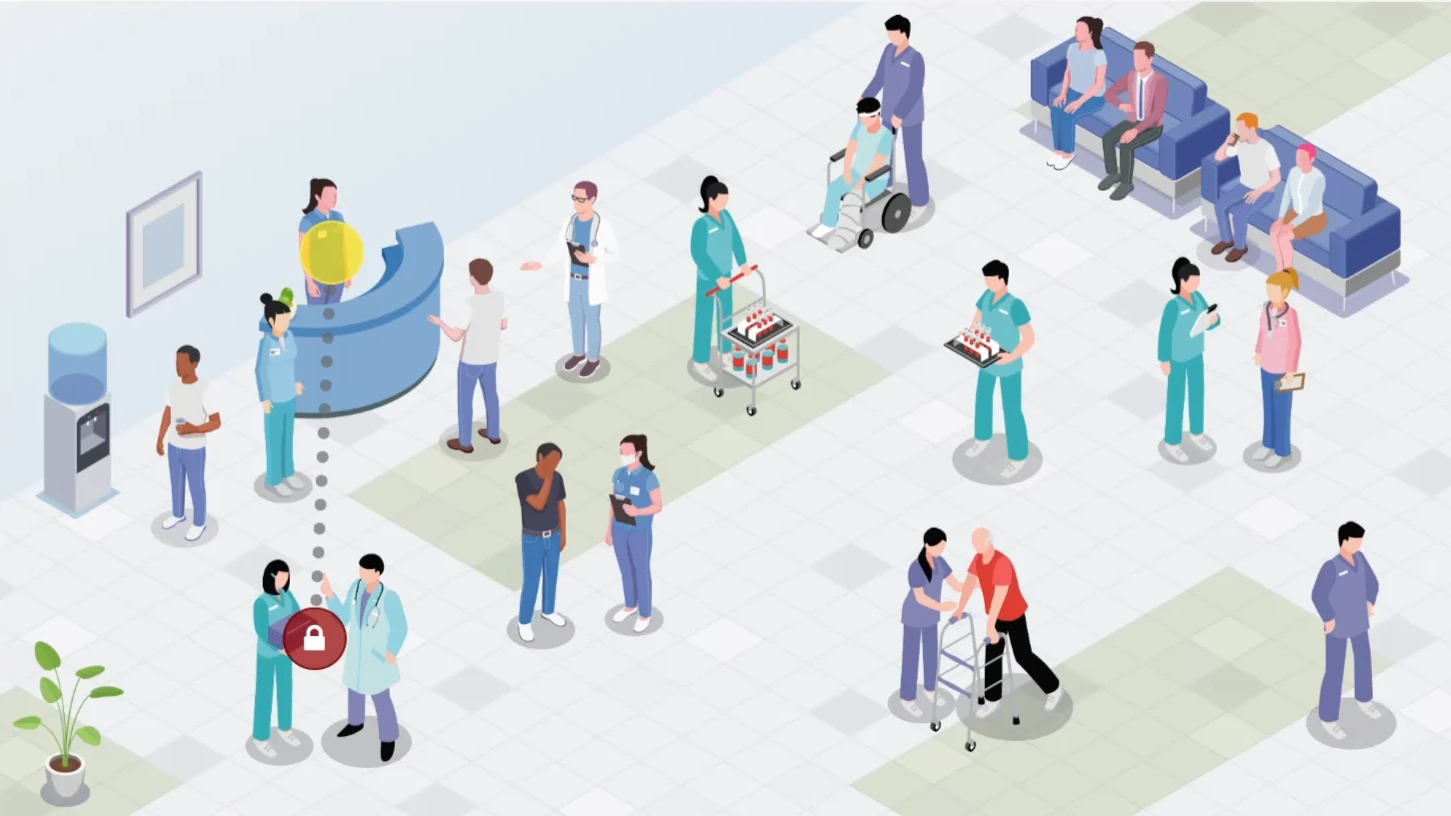
Unlike embedded questions that only mark an answer right or wrong, branching makes every choice change what the learner sees next. That makes it easier for learners to remember the connection between a decision and its consequences.
In a corporate training context, employees can practice making decisions in a safe environment and receive feedback without real-world risk.
A case study from the University of Chester interviewed 10 adult workers before, during, and after they completed a branching e-learning module. The result: engagement was highest when the scenario matched real work tasks, letting participants make contextual decisions and fail without real consequences.
This matters because the closer a trained decision is to day-to-day work, the more likely employees are to apply what they've learned. For companies, the real question isn't simply whether a video should branch, but which work situations are actually worth turning into a scenario.
One approach Monkey Melody has used was turning a code of ethics and code of conduct module into a visual-novel-style story based on real cases. Branching was used in just one module, letting learners explore a specific dilemma and reach different endings depending on their choices.
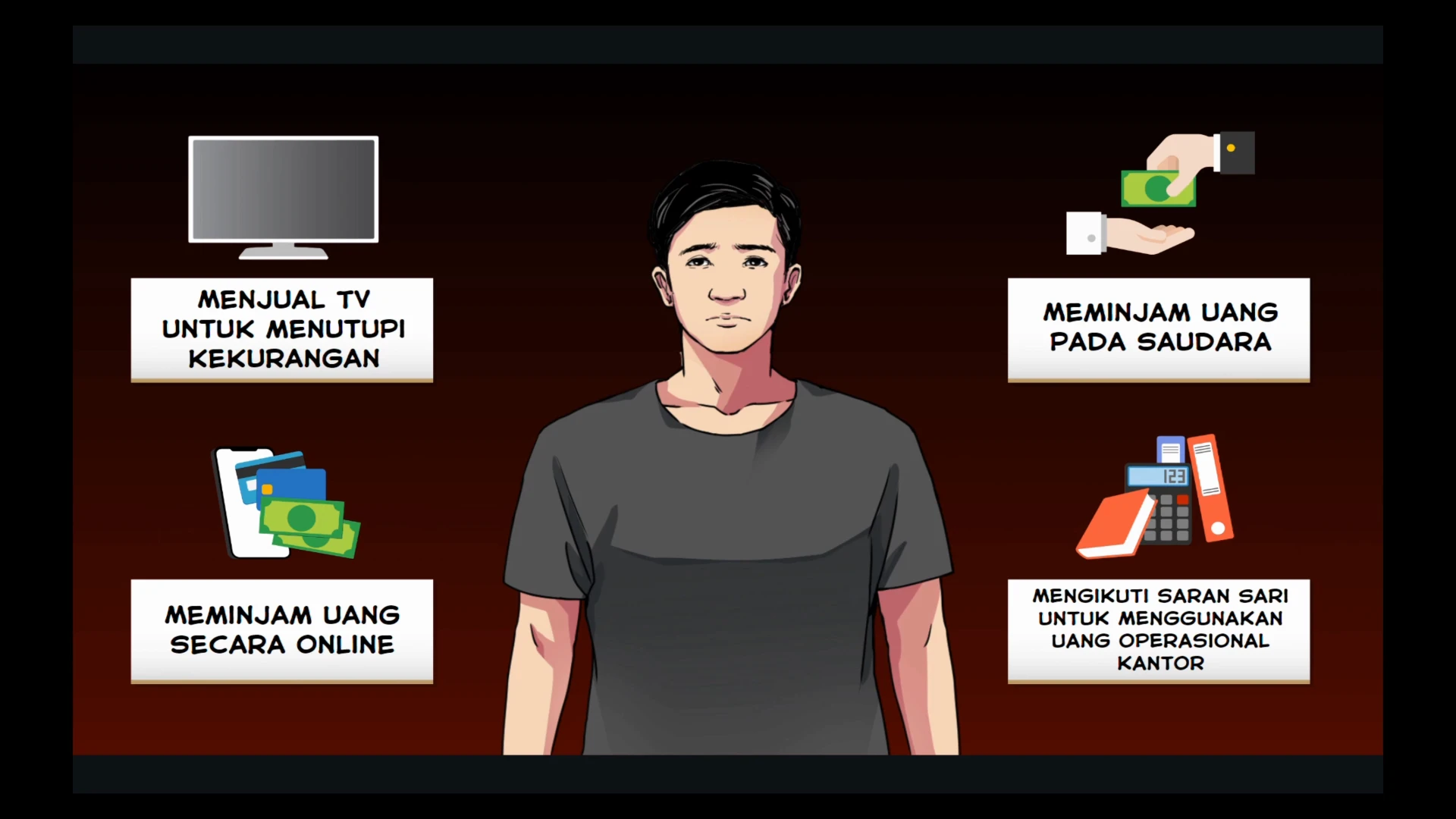
Four Work Situations Suited to Branching
Not all material is worth branching. Branching is most useful for skills that need to be practiced and for decisions people frequently get wrong. Mindstamp, an interactive video platform provider, recommends building scenarios around decisions that are commonly made incorrectly in the workplace. The following four situations are a good starting point.
1. Sales conversations and objection handling. Learners play a salesperson facing a client's objection and choose how to respond. For example, when a client says the price is too high, one option is to immediately offer a discount, while another is to dig into the client's needs first. The benefit: salespeople can try different approaches and see the client's reaction without losing a real deal.
2. Customer service decisions. Learners choose how to respond to a customer, and the video branches based on that response. Guidde's 2026 learning video trends guide cites a similar example: a customer service training video presenting several response options. The benefit: learners can compare the impact of different response styles, say, one that's fast but rigid versus one that's slower but more empathetic.
3. Compliance, safety, and high-risk procedures. In these situations, a real-world mistake can lead to injury, equipment damage, or penalties. At Monkey Melody, we believe a simulation for high-risk situations should include three elements: a contextual scenario that mirrors real operating conditions, branching choices, and immediate feedback on the impact of a decision. The benefit: mistakes get made on screen, not on the floor.
4. Leadership, feedback, and difficult conversations. Mindstamp's own demo, for instance, offers three opening lines for telling an employee their deadline is at risk, with a different outcome scene for each choice. The benefit: prospective managers can practice their wording and tone without scheduling a live role-play session for every single person.
In practice, an L&D team can start with whichever one situation causes the most recurring problems, say, repeat customer complaints or incidents caused by skipped procedures. Keeping the scope to one key decision makes a scenario much easier to produce, test, and refine.
All four situations share something in common: there are several plausible responses, each with a different consequence. That's the hallmark of a decision worth scripting into a scenario. Material with only one correct answer, like a term's definition or a fixed sequence of steps, is better served by a linear video with embedded questions.
Designing Branches That Don't Overwhelm Learners
Too much branching can actually reduce engagement. In that University of Chester study, engagement dropped when content felt repetitive, too easy, or cognitively overwhelming. The authors concluded that scenario design needs to balance cognitive load against hands-on learning, and recommended ramping up task complexity gradually while making feedback adaptive.
The first step is choosing the right decision. An L&D team working with a Subject Matter Expert (SME) — someone with deep command of the material — can collect the mistakes that happen most often in the field and turn them into decision points. Every wrong option should feel plausible, because it reflects a genuine misunderstanding. In a complaint-handling scenario, for example, a wrong choice might be apologizing immediately without understanding the issue, or explaining company policy too soon.
The second step is designing the feedback. Mindstamp describes two common mechanisms: a wrong answer repeats until the learner gets it right, or the learner is sent back to the explanation section. For a decision with one best answer, returning to the explanation helps learners understand the reasoning. For a dilemma where the right answer depends on context, showing the consequences of each branch works better, since learners learn by comparing outcomes across choices.
The third step is mapping out the entire branch structure before production. A flowchart at the storyboard stage should show every decision point, the consequence of each choice, and where paths reconverge, keeping the number of scenes that actually need producing under control. This map also helps storyboarders, designers, and animators understand which scenes only some learners will ever see.
Finally, a scenario should be tested on a handful of employees before launch. Small-scale testing can reveal whether the wrong options feel plausible, whether the consequences are easy to follow, and whether any part feels repetitive. Those findings then become the basis for revisions before the video goes into wider use.
A branching scenario doesn't replace an instructional designer's judgment. The technology only runs the branches; it's still a person who decides which decisions are worth training, which misunderstanding each option represents, and which consequences are honest enough to learn from. With deliberate design, a branching scenario can help employees understand the impact of their decisions and improve retention before they ever face the real thing.
Monkey Melody understands that every company faces different challenges and goals.
That's why we offer a tailored approach to ensure every video we create achieves its intended training outcome. Ready to transform your company's training materials into effective learning videos or interactive videos?
Contact Monkey Melody now via WhatsApp at +62 812-1954-8155, email info@monkeymelody.com, or through the link below.
More insights
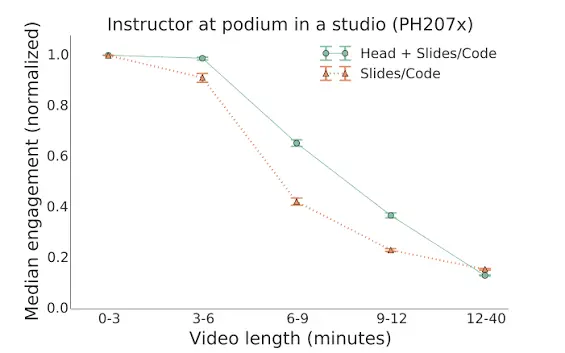
Tracing Employee Interaction in Interactive Learning Videos
Interactive learning videos can be built to track employee behavior and interaction data, giving L&D teams a way to measure how effective their training programs actually are.
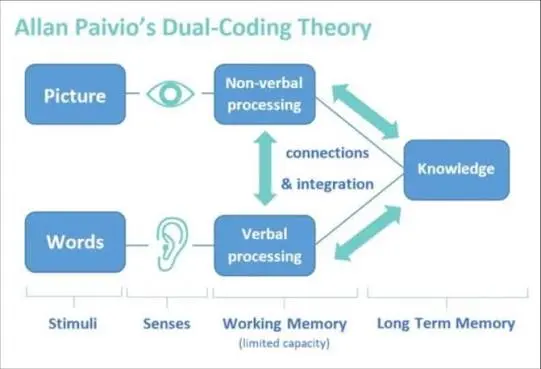
Research on Interactive Video Among Biology Students
The use of video as a self-paced e-learning medium has become standard practice in corporate training programs and higher education.
The Science Behind Why Microlearning Works
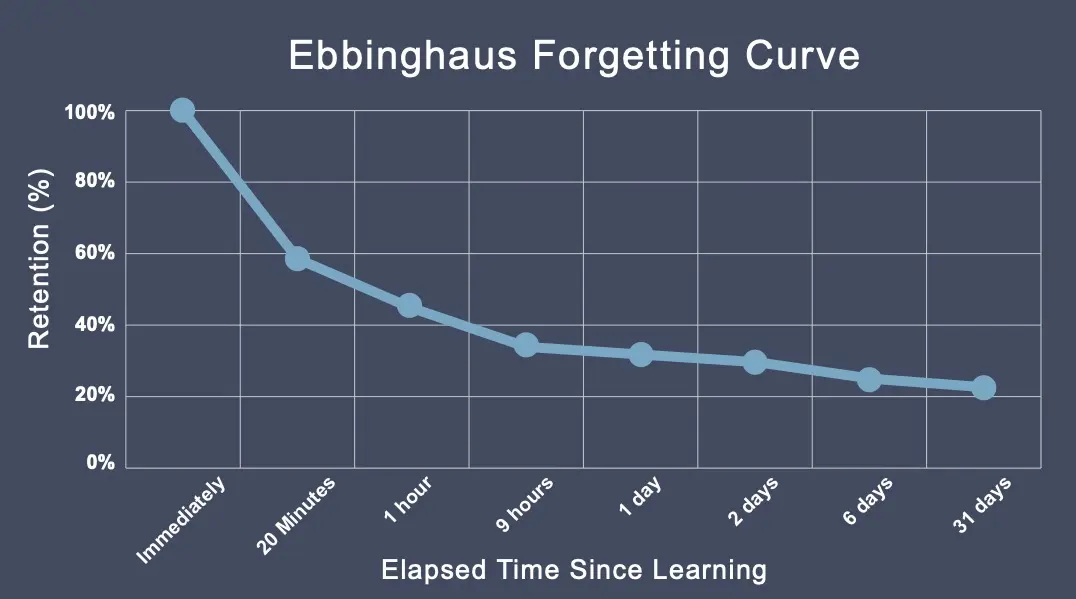
A single long training day often fails because it fights how the brain actually works — see how microlearning, the Forgetting Curve, and spaced repetition make material actually stick.
Want the short version, applied to your company?
Let's talk about what this means for you.
Get in touch